Guides
Soundboard Unblocked for School: Chromebook Guide
What makes a soundboard unblocked for school, how browser sound buttons work on a Chromebook, and which school-appropriate boards fit class games and breaks.
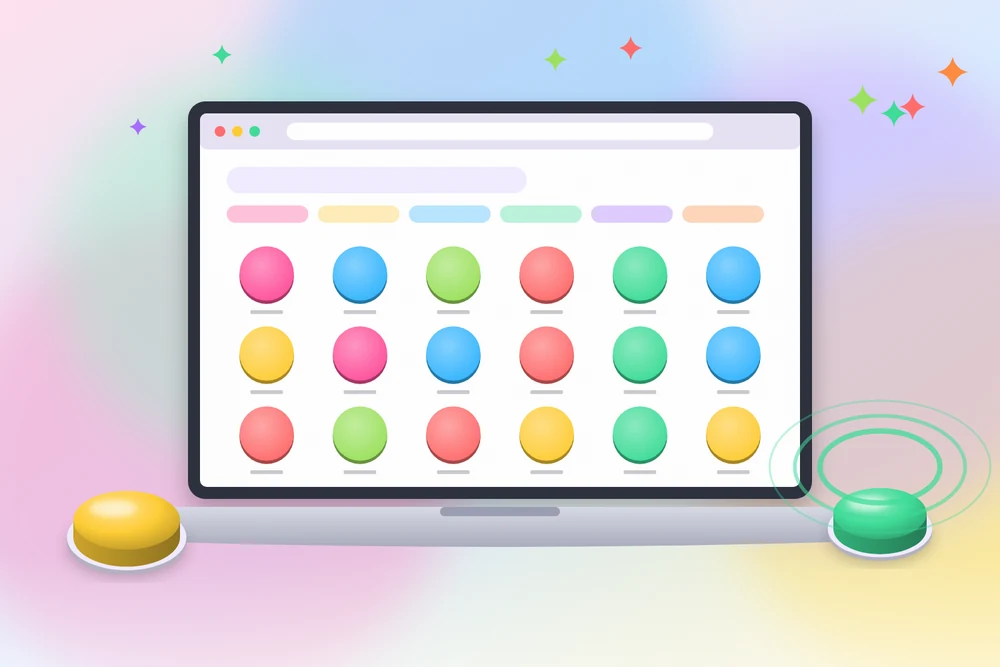
A soundboard unblocked for school is simply a soundboard that runs in a normal browser tab and is not filtered by the school network. It needs no download, no extension, and no account, which matters on managed Chromebooks where installs are locked. Meme Tap is built this way: sound buttons play directly in the page.
This guide covers what "unblocked" actually means, how a soundboard for Chromebook use works, which boards are school appropriate, and how to use sound without causing problems in class.
What "soundboard unblocked" means
Students search for a soundboard unblocked because school devices and networks restrict a lot of the web. Two separate things decide whether a site works:
- The device. Managed Chromebooks often block app installs and browser extensions. A site that needs neither has a better chance of working.
- The network filter. Schools use web filters that allow or block sites by category or address. This decision belongs to the school, and it can change.
A browser soundboard avoids the first problem completely. The second is outside any website's control. If a site is filtered at a school, the right move is to respect that rule. Proxies, VPNs, or other workarounds usually break school policy and can lead to device restrictions or discipline. This guide does not cover them.
Why a browser soundboard suits school devices
A browser soundboard has a few traits that fit locked-down devices:
- Nothing to install. Sounds play in the tab using standard web audio.
- No login. No school or personal account is needed.
- Light on resources. Short MP3 clips load quickly, even on older Chromebooks.
- Favourites stay local. Saved sounds are stored in that browser, so nothing needs to sync.
One limit applies: favourites are tied to the browser on that device. On shared Chromebooks or devices that clear data at sign-out, the list may reset.
Using a soundboard for Chromebook step by step
- Open Chrome and go to the Meme Tap home page.
- Plug in headphones or check that the volume is low.
- Browse a category or use search to find a sound by name.
- Tap a round button to play it. The first tap may take a second while the clip loads.
- Heart a sound to keep it in Favourites on this device.
- Use Copy Link to share a specific button with a classmate or teacher.
If no sound plays, check that the tab is not muted (right-click the tab), that system volume is up, and that headphones are connected to the right output.
Soundboard school appropriate picks
Not every clip on a meme site fits a classroom. Spoken memes can include language or references that are not suitable. A soundboard school appropriate set usually sticks to non-verbal effects and simple themes.
Boards that generally fit:
- [Animal Sounds](https://www.memetap.pk/soundboards/animal-sounds): useful for younger students, guessing games, and science topics.
- [Phonics](https://www.memetap.pk/soundboards/phonics): letter and sound clips that support early reading practice.
- [Sound Effects](https://www.memetap.pk/soundboards/sound-effects): buzzers, dings, applause, and drum rolls for quizzes.
- [Laugh](https://www.memetap.pk/soundboards/laugh): short laughs and laugh tracks for light moments in presentations.
Even within these boards, preview each sound before playing it to a group. Titles describe the clip, but the audio is what matters.
Using unblocked sound buttons in class activities
Sound effects can make review games and presentations more engaging when used with purpose. A few common setups:
- Quiz games. A ding for correct answers and a buzzer for wrong ones. Keep the buzzer soft so it does not feel harsh.
- Countdowns and reveals. A drum roll before showing an answer.
- Presentations. A single applause clip at the end of a group project.
- Phonics practice. Playing a sound and asking students to name the letter.
Teachers who use unblocked sound buttons often keep a short list of five or six clips in Favourites on the classroom device so they are ready without searching.
Rules of thumb for using sound at school
A soundboard for school use works best with a few habits:
- Headphones by default. Shared spaces need quiet.
- Right time only. Breaks, free periods, and planned activities, not during instruction.
- Low volume first. Many meme clips are loud. Test before sharing.
- Skip spoken memes in class. Non-verbal effects carry less risk.
- Follow device rules. School devices are monitored, and acceptable-use policies apply to every site.
When the site is filtered
If a soundboard unblocked for school at one campus is filtered at another, the options are limited and simple: use it on a personal device outside school hours, or ask a teacher or IT staff whether specific educational boards such as Phonics or Animal Sounds can be allowed for a class activity. Schools sometimes approve sites when there is a clear learning use.
A practical starting set
For a quiet, school-friendly kit, open the Sound Effects board and save a correct ding, a soft buzzer, a drum roll, and an applause clip. Add two or three animal or phonics sounds if the class is younger. That set covers most quiz and presentation needs in under a minute of setup.
Frequently asked questions
Why does a soundboard work on one school network but not another?
Each school or district sets its own web filter. A site allowed in one district can be filtered in another, and filters change over time.
Do I need to install anything on a school Chromebook?
No. A browser soundboard runs in a normal Chrome tab, so it does not need an extension or app that school devices often restrict.
Can a teacher use a soundboard for class activities?
Yes. Short effects such as correct and incorrect buzzers, applause, and animal sounds work well for quizzes and review games. Previewing each clip first keeps the set appropriate.
How do I keep sounds from disturbing others?
Use headphones, keep the tab volume low, and play clips only during breaks or activities where sound is expected.