How to Add Sound Effects to a YouTube Video
Updated 14 November 2026
Add sound effects to a regular YouTube video: find a clip, trim the MP3, drop it on the timeline, then optionally export a waveform or a caption still.
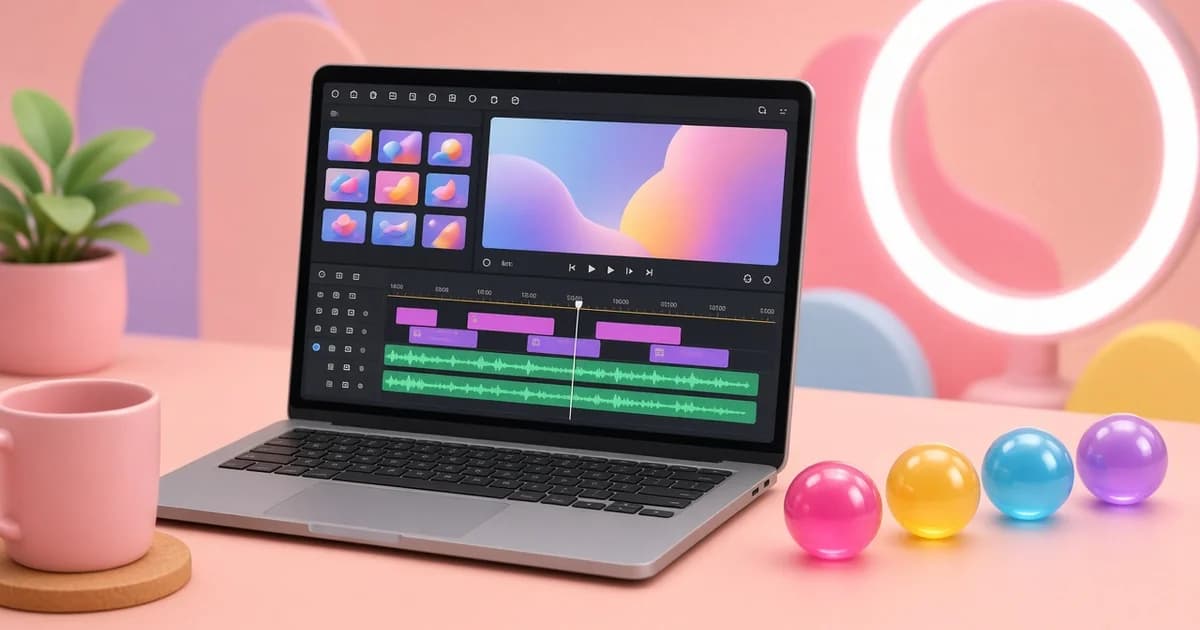
Adding sound effects to a YouTube video is a timeline job, not a 15-second stitch. Find a short clip, trim the silence, place it on its own audio track under speech or B-roll, then mix it below the voice. This page is for regular YouTube videos: explainers, vlogs, tutorials, commentary. Vertical Shorts, Reels, and TikTok stay in sounds for Shorts.
Meme Tap supplies the MP3 and three in-browser tools. The video editor with the timeline is whatever is already on the machine. There is no account on this site.
Sound buttons for YouTube are the same buttons as any other board. YouTube sound effects in this sense means short accents, not a full soundtrack. Meme sounds for YouTube work as overlays. They fail as the only audio under a ten-minute talk.
Find the clip, then stop hunting
Pick one job per sting: a pop on a graphic, a boom on a cut, a buzzer on a miss. Named examples and when they fit are in meme sound effects. Do not rebuild that list here.
Play the button in the tab. Download only the version that starts clean. Skip songs, long dialogue, and anything that is clearly a show theme.
Keep a folder of five to eight MP3s for long-form work. A new hunt in the middle of a 20-minute edit wastes the session. Name each file after the job, not after a meme title: cut-pop, fail-boom, miss-buzzer. That folder is for this video type, not for Shorts.
Trim before the timeline
Many downloads have empty air at the start or a tail that runs into the next sentence. Cut that in the online audio trimmer before import. Drop the MP3, mark start and end on the waveform, preview the selection, download MP3 or WAV.
Do not treat this paragraph as the trimmer guide. The tool page and the trimmer article cover handles, clocks, and the 40 MB cap. This step exists so the YouTube timeline receives a tight file.
A long bed does not belong on a reaction slot. If the file is a music loop, it is the wrong source for an accent.
Drop it on the YouTube timeline
Steps that stay the same in most desktop editors:
- Import the trimmed MP3 or WAV onto a new audio track, not as a replacement for voice.
- Line the start of the effect with the picture: a cut, a title card, a fail.
- Keep the sting shorter than the moment it marks.
- Set the clip a little below speech. Check laptop speakers and headphones.
- Fade the tail if it overlaps the next line.
- Export the video the way that channel already exports. This site does not render the YouTube file.
One accent every few minutes in a long video is enough. One accent every few seconds reads as a Short. If the cut is vertical and under a minute, use the Shorts guide instead.
Do not stack three meme hits on one sentence. The voice is the through-line. The sting is punctuation.
Watch the meters. A boom that peaks above the voice will clip on phone speakers even if headphones sound fine. Duck the sting, not the whole mix, unless the joke is a hard mute.
If the cut is a jump between two talking shots, place the hit on the picture cut, not on the last syllable of the previous line. Late hits feel like a Short. Early hits bury the next sentence.
Export a short test first: thirty seconds around the loudest sting. Play it on a phone. Then export the full video.
Optional stills and waveform clips
A title card or a mid-roll still can be captioned in the meme caption generator, then placed on the video track. Caption controls live in that tool's guide. This page only needs the export: a PNG or JPG on the timeline, with the sting aligned to the text.
If the video is the sound itself (a sample pack preview, a sting demo), the audio visualizer can turn the MP3 into a WebM with a waveform. That is a separate output, not a replacement for a talking-head edit. Import the WebM if the editor accepts it, or record the preview in the video editor.
Neither tool is YouTube Studio. Upload, thumbnails, and end screens stay in YouTube.
What this page does not include
- TikTok, Reels, or Shorts timing tables
- A second tour of twelve famous meme sounds
- Full OBS or Discord setup
- A promise that a downloaded sting will clear Content ID
A download is not a licence. Short, non-musical effects are still the channel's responsibility.
Music beds, theme songs, and long sketches belong in a different workflow. Those files are not accents. They fight speech and they are a worse Content ID risk. Keep this page to one-shot hits.
Next step
Download one sting, trim the silence in the audio trimmer, and place that file on a spare audio track under a single cut in a regular YouTube project. If the project is a Short, open the Shorts guide instead.
Frequently asked questions
Is this for YouTube Shorts?
No. Short-form placement for TikTok, Reels, and Shorts is a separate guide. This page is a longer YouTube video: a timeline with speech, B-roll, and a few accents.
Which file format should go on the timeline?
Meme Tap downloads are MP3. Import that file, or trim it first and export MP3 or WAV from the audio trimmer. Most desktop editors accept both.
Will a meme sound mute the video?
It can. A download is not a licence. Short non-musical hits are a different risk from songs. YouTube rules and Content ID still apply.
Do these tools upload the project to Meme Tap?
The trimmer, visualizer, and caption generator run in the tab. The video editor that holds the YouTube timeline is a separate app.