Everyday Soundboard Uses: Chats and Voice Buttons
Updated 14 November 2026
Everyday soundboard uses for group chats, WhatsApp audio, and the voice button. Play a clip in the browser, send a link, or drop a short MP3.
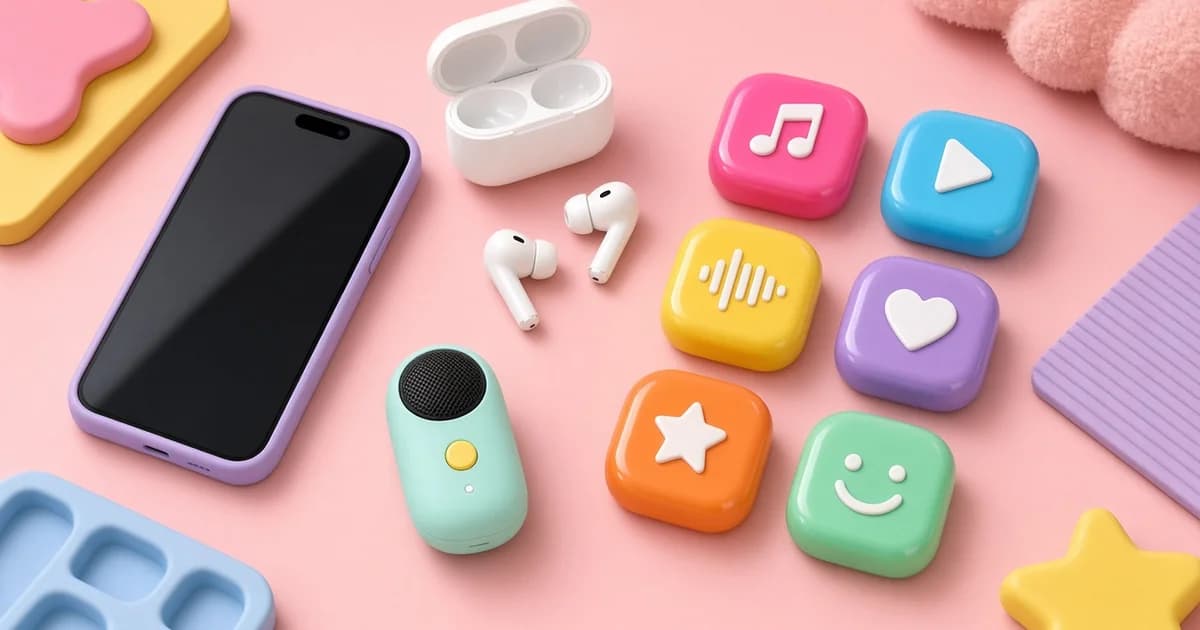
Everyday soundboard uses are small: a link in a group chat, a WhatsApp audio, a voice button tapped in the browser. The clip is one tap. The room is a thread, not a stage. Meme Tap plays the file in the tab, saves favourites on this device, and downloads an MP3 if a chat app needs a file. There is no account.
This page stays on chats, WhatsApp, and quick reactions. Prank kits and surprise calls are in funny soundboards. Discord soundboard upload and permissions stay in those Discord guides. Point there when the job is a voice channel, not a thread.
Sound buttons for group chats
The fastest reply is a link. Open a sound page, copy the link, paste it. Friends open it and hear the clip in the browser. No file, no account on their side.
Send a link when the other person can open a browser tab. Send the MP3 when the chat already plays audio inline and a tap should start the clip without leaving the thread. Do not send both unless someone asked.
Sending the MP3 works when the app plays audio inline. Download from the sound page, attach it. Keep the file short. A 20-second loop is a poor chat dump. Preview at low volume first. A clip that is fine on headphones can blast a kitchen speaker.
Do not fire a clip into a work thread, a family list that did not ask, or a chat that is handling something serious. A joke that fits a friends group does not fit a school assignment thread. If the thread is mixed ages, pick a short spoken reaction, not a shock file.
Mute the tab after a preview so the next tap does not play twice. Copy the link from the address bar or the copy control on the sound page. Do not paste a screenshot of the button. The other person cannot hear a picture.
The reactions soundboard holds short spoken and vocal replies. Search if the name is known. Preview once at low volume. Spoken clips vary.
WhatsApp audio
WhatsApp audios is the board for clips people already treat as chat audio: short voice-style files, not a full voice note from a new recording. Play in the tab. Download the MP3 if the chat should get a file instead of a link.
A WhatsApp soundboard in this sense is that category plus the download button. WhatsApp itself does not load Meme Tap inside the composer. The path is download or link, then send.
If the file is longer than a quick listen, cut it before sending. Neighbours, data caps, and auto-download settings all punish a huge attachment.
Do not use this board to impersonate someone in a private chat, to harass, or to fake an official message. A download is not a licence.
The voice button and voice-record clips
The voice button is a Sound Effects page. The page title is The Voice Button. Play it in the browser when that name is the search. It is a clip, not a system key on the phone.
The voice record board holds other short recorded takes filed in that category. Search, play, download. Skip anything that is not the joke or the reaction needed.
A voice button in a chat is still a file or a link. It does not inject audio into a live mobile call by itself. Speakerphone plus a second device is a different, messy setup and belongs with prank-call notes, not here.
Search the title if the name is known. Skip long voice notes, songs, and clips that only work as a call interrupt. Everyday use is a reply in a thread, not a live takeover.
Quick reactions without a full board
One favourite on this device is enough for a week of the same joke. Heart two or three clips that already land in that group: a hello, a fail, a done. That is an everyday kit. Clear site data and that favourite is gone. There is no cloud list.
A good everyday clip is short, obvious, and fine to replay. If it needs a paragraph of context, it is a poor chat reply. If it only works as a jump scare, it is a prank, not a reaction.
Common mistakes:
- Sending a loud file into a silent group.
- Pasting a link with no warning in a thread that is not for memes.
- Using a prank siren as a "quick reaction."
- Assuming the other person has the site unblocked.
What this page does not include
- Discord desktop upload steps and the five-second rule
- Office or celebrity prank-call kits
- A generic "100 ways to use sound buttons" essay
- Invented chat etiquette laws
Platform rules still apply on WhatsApp and every other messenger.
Next step
Open WhatsApp audios or the Voice Button page, play the clip once, and send only a link or a short MP3 to a chat that already trades jokes. For a prank or a Discord slot, use those other guides instead.
Frequently asked questions
Is this a Discord setup guide?
No. Voice-channel permissions, five-second uploads, and mobile limits are in the existing Discord posts. This page is chats, WhatsApp audio, and a voice button in the tab.
Is this a prank guide?
No. Harmless prank setups and nuisance-call rules are in the funny soundboards article. This page is a quick reply, not a setup on someone who did not ask.
How does a WhatsApp chat hear a clip?
Copy the sound page link, or download the MP3 and send it as audio. WhatsApp does not add a Meme Tap button to the chat composer.
What is the voice button on this site?
The Voice Button is a sound-effects page. Play it in the tab. It is not a phone feature and not a recording booth.