Roblox Soundboard Sounds: Woah, Angry, Num Num
Updated 10 November 2026
A Roblox soundboard guide for woah, angry, and num num num buttons. Play them in the browser, see where Wemmbu fits, and trim a clip for Discord.
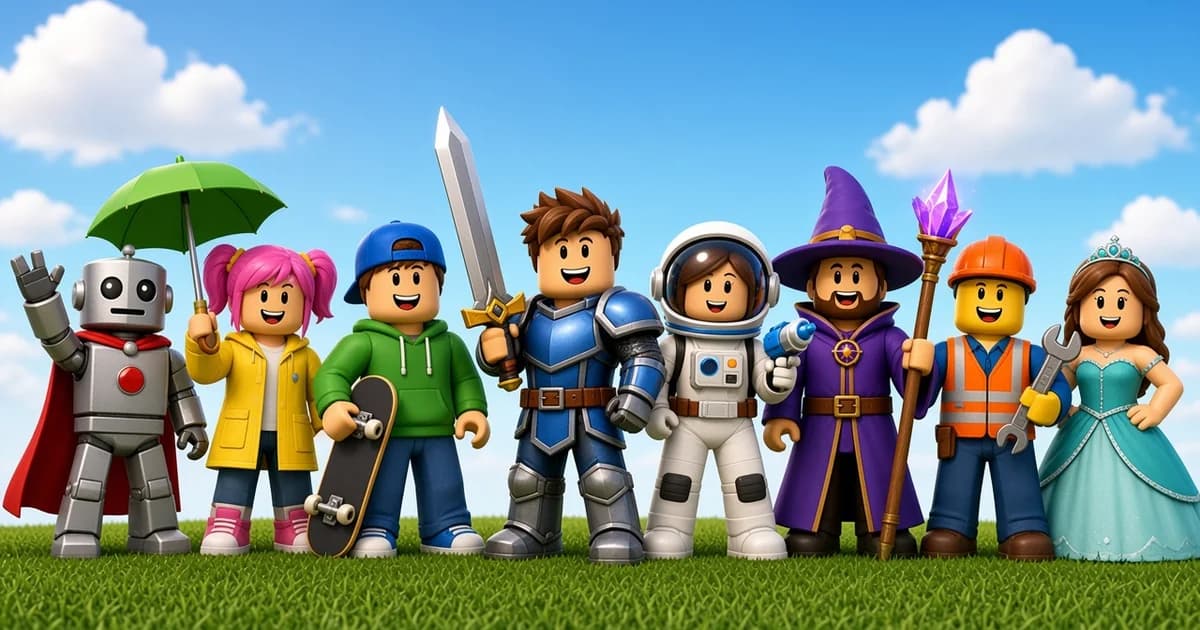
A Roblox soundboard is a set of short buttons for the reactions players already use in chat: a woah after a lucky play, an angry hit when a round goes wrong, or a num num num clip as a silly pause. Meme Tap keeps those as separate pages. Tap the button in the browser, or download the MP3 if a file is needed.
This page is not a live Roblox server, and it is not official game audio. It points at buttons that are already on the site. Official soundtracks, menu music, and clips lifted from a game client stay off the list.
What belongs on the Roblox soundboard
Open the Roblox soundboard when the clip is a Roblox meme or a gamer reaction filed under that category. Search the board if the name is known. Each result is one sound page: play in the tab, download, or favourite it on this device. There is no account.
The useful set for a voice call is small. Three named buttons cover the queries people already use, and one related page sits on a different board. Adding every game sting makes a soundboard noisy. Preview a clip once before it goes into a shared call.
Meme sound buttons for gamers work the same way as any other short effect: one moment, one tap, then back to the game. A long music bed is a poor fit for a reaction slot.
Roblox woah sound
The Roblox woah sound is the canonical woah button for this guide. The page title is Roblox Woah. Use it as the surprised or impressed reaction after a play, a fail that somehow worked, or a clip that needs a single beat of shock.
A second button titled woah (roblox) is also on the Roblox board. This guide does not link it. The two files are separate uploads, and the pages do not say they are the same recording. Play Roblox Woah first. Open the other only to compare, then keep one version in Discord or in a video so the reaction stays consistent.
Do not re-record a woah, or any other line, out of the game to make a new file. Use the button that is already published.
Angry Roblox sound
The angry Roblox sound is the frustration button. The page title is angry roblox. It fits a lost round, a blocked shot, or a joke about someone getting tilted. It is a reaction, not a soundtrack for a whole match.
Play it once in the tab before sending it. Spoken clips vary, and a school or family chat should hear the file first. If the clip is harsher than the joke needs, pick a different button on the same board instead of turning the volume up.
Num num num
Num num num is the repeated-num button on the Roblox board. The page title is roblox num num num. People use that name for a short eating-style or satisfied reaction in Roblox clips. This guide does not claim a creator, a date, or that the file is an official animation. The page is the source: play it, and keep it only if that is the joke.
It is a poor background loop. Drop it on a beat, then stop. Stacking it under voice for a full sentence usually fights the words.
Wemmbu on the games soundboard
Wemmbu is a gamer-name soundboard, not a Roblox category page. The Wemmbu soundboard lives on the games board. Open it when the search is for that name. Open the Roblox board when the search is woah, angry, or num num num.
The wider games soundboard holds other game stings that are not filed as Roblox. Use it when a call needs a mix: a Roblox reaction plus a clip from another game. Do not treat the games board as a second Roblox index. Titles there are mixed, and a search box is faster than scrolling.
Drop a button into Discord or a clip
Discord custom sounds are short, about five seconds, and small, about 512 KB. Download the MP3 from the sound page. If the file is longer or heavier than that, cut the hit and drop the silence in the audio trimmer, then upload from the Discord desktop app. Playback on a phone works after that upload. The upload itself does not.
Setup, permissions, and the five-second rule are in the guide to Discord soundboard sounds. One button every few minutes reads as a joke. One button every few seconds reads as noise, especially in a match where people need callouts.
For a short video, the same download is the source file. Place the woah or the angry hit under the moment, not across the whole clip. Preview on phone speakers. A download is not a licence. Platform rules still apply on Discord, TikTok, Reels, and YouTube.
What this page does not include
- Official Roblox music, menu stingers, or audio ripped from the game
- A new recording of a famous game line, including anything in the oof family
- Team-up instructions, game codes, or account help
- A promise that every Roblox meme on the internet is on the board
If a needed name is missing, search the Roblox board before assuming it lives under Memes or Games. Filing is by category, not by every word in the title.
Next step
Open the Roblox board, play Roblox Woah, angry roblox, and roblox num num num, and download only the one the call will actually use. Check Wemmbu on the games board if that name was the search. Trim anything that will not fit a Discord slot.
Frequently asked questions
Is this an official Roblox sound library?
No. These are sound buttons on Meme Tap. A download is an MP3 on this device, not a licence to use official game music or to re-record audio from the game.
Which woah button should a voice chat use?
Start with the Roblox Woah page linked in this guide. A second woah clip also exists on the Roblox board. Preview both and keep one, so the call does not get two versions of the same reaction.
Can these clips go straight into Discord?
Only if the file is about five seconds and under 512 KB. Longer downloads need a cut in the audio trimmer before upload from the Discord desktop app.
Where does Wemmbu sit if it is not on the Roblox board?
The Wemmbu soundboard page is on the games board. Roblox-named buttons such as woah, angry, and num num num stay on the Roblox board.